LaunchClub is a multi-wallet bundle-launch platform for Robinhood Chain and Solana.
Turn token creation, opening purchases and wallet allocation into one coordinated workflow. Build your launch plan, review the details together, and continue managing after launch—with companion tools on Telegram when you need them.
One coordinated start. A clearer view of every wallet.
Build the plan before you submit it.
BUILT AROUND YOUR WALLET GROUP
Multi-wallet launches are the foundation
A token launch is more than a name and a ticker. It also involves deciding which wallets participate, how much each will spend and how the opening holdings should be allocated.
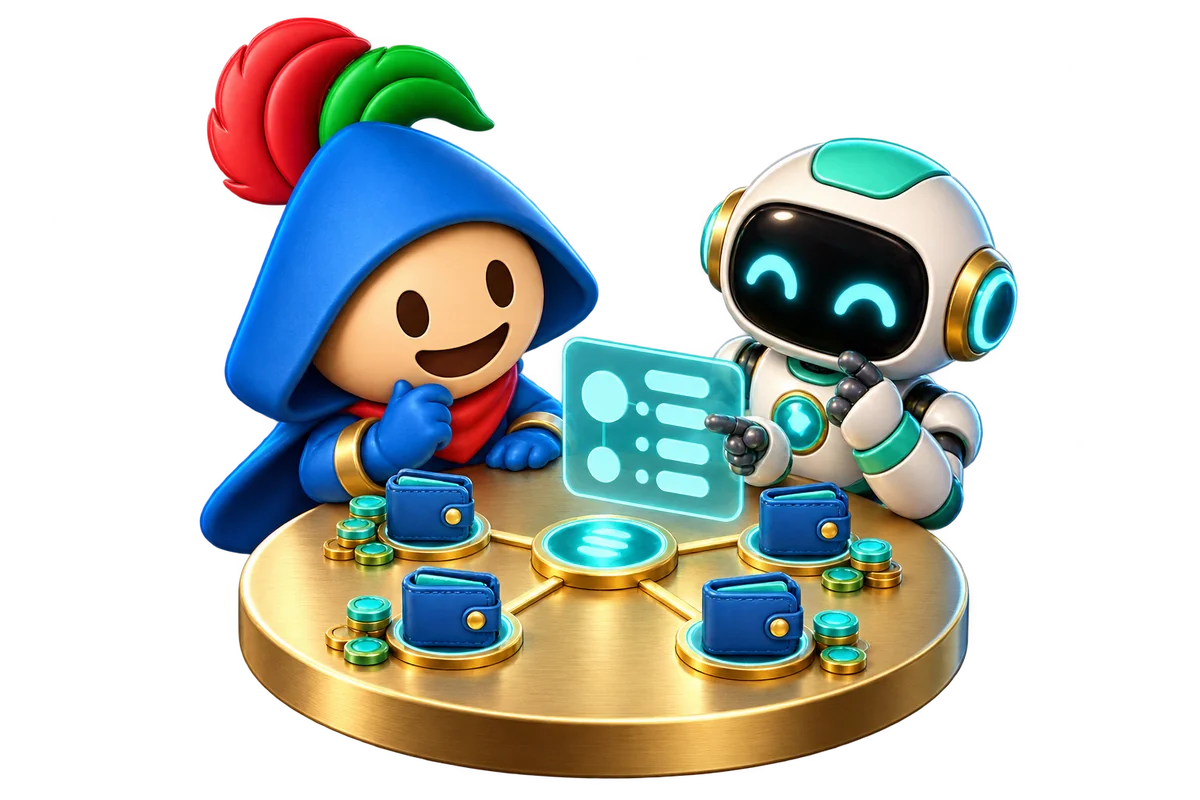
Instead of preparing each purchase in isolation, LaunchClub brings them into a shared launch plan. You can review the group while keeping control over the individual amounts.
01 Your wallet group
Choose the participating wallets and review their addresses.
02 Your opening purchases
Define each wallet’s spend or supported allocation target.
03 Your launch route
Review how your selected tool coordinates creation and purchases.
Direct V4 and Pons V2 serve Robinhood Chain; Stonk Bundler serves Solana. Supported wallet counts, transaction grouping and execution rules depend on the route. Estimated holdings can change before execution.
LESS FRAGMENTED PREPARATION
Why this workflow is needed
Managing a launch across separate screens makes it harder to connect a wallet’s balance, its intended purchase and the overall budget. LaunchClub puts those decisions in context. The value is a more organized review: know what you intend to launch, what each wallet will do, and what still needs attention before committing funds.
ALLOCATION
Plan the distribution
Treat your opening wallets as one plan, with a clear role and purchase amount for each. Set individual spends or, where supported, target token allocations. Review the estimated holdings across the group before submitting.
PREPARATION
Understand the full budget
Bring purchases, funding requirements and applicable costs into the same review. See which wallets need attention and resolve incomplete steps before confirming. A purchase amount is only one part of the total launch cost.
CONTINUITY
Keep managing after launch
A launch is the beginning, not the end of the workflow. Return to your launch record, trading tools and analytics, or open a dedicated Telegram tool for the next task. Check confirmed transaction status before repeating any action.
LaunchClub delivers advanced multi-wallet bundling technology designed for streamlined token launches, efficient transaction coordination, and flexible token allocation across multiple wallets.
Our bundling infrastructure is designed to reduce obvious wallet-clustering signals on blockchain analytics platforms such as Bubblemaps. In supported launch scenarios, coordinated initial purchases may not be flagged as clusters by the official Bubblemaps platform.
Unlike conventional token launch workflows, LaunchClub integrates multi-wallet execution, allocation control, transaction preparation, and launch management into one unified ecosystem.
One Token. Many Wallets. One Powerful Launch. No Bubblemaps Flags in Supported Launches.
Blockchain transactions remain publicly visible. Multiple wallets do not necessarily represent independent holders. Bubblemaps and other blockchain analytics platforms may identify relationships between coordinated wallets. Detection methods may change over time, and LaunchClub does not guarantee that wallet clusters will remain undetected.
Choose your workspace
Robinhood · Up to 50 opening purchases
Direct V4 Beta
Create a token with immediate Uniswap V4 trading. Choose the opening wallets and review the full launch budget.
Manage a Stonk token with sell-and-buy, sell-all or SOL collection. No fixed wallet-count limit; available tokens, funding and system capacity still apply. Review the selected wallets and amounts before each operation.
Connect your login wallet, select a workspace and check its network.
Set up your token and wallets
Enter token details, review wallet addresses and customize purchase amounts.
Save your backup and fund wallets
Download the required snapshot before funding. Use the displayed balance requirements, including fees.
Review and confirm
Check the latest estimate, addresses and permissions. Follow the status shown after submission.
Prefer token allocation percentages?
Pons V2 and Stonk support target holdings with optional variation. Review the estimated holdings and purchase costs, then apply your allocation. Fees and funding reserves are separate; final holdings can differ.
WATCH & LEARN
Token launch video tutorials
Watch the updated LaunchClub walkthroughs for Uniswap Direct V4, Stonk Bundle, Pump.fun Clean and Pons V2 Bundle right here. If the interface has changed since recording, follow the current workspace prompts and requirements.
Select Play tutorial to load YouTube’s privacy-enhanced player. YouTube receives connection data when the player loads. If playback is unavailable, use Watch on YouTube to open the video in a new tab.
Tutorial 01 · Direct V4
LaunchClub Uniswap Direct V4 Token Launch Tutorial
Direct V4 and Pons V2 have a platform fee of 0 ETH per token launch, not per wallet. Launch Club launches are free for everyone. The current Stonk platform launch fee is 0 SOL.
Purchases, liquidity, protocol fees, network fees and exchange charges are additional. Pons has its own launch fee. Use the current estimate before confirming; failed actions can still incur costs.
Prepare the required balances
Use the funding requirements shown in your workspace. Review each wallet’s address, network, target balance and any paired asset before sending funds.
Deposits can arrive at different times. Check the status before retrying, and refresh balances once the transfers are confirmed. Keep enough ETH or SOL for network fees alongside the planned purchases.
Continue from your launch record
Complete the backup and confirmation steps shown in your workspace before funding or launching. Keep your recovery materials private and up to date when the wallet setup changes.
Open the matching launch record to access trading and follow the page’s access prompts. Review the selected wallets, token, amounts and transaction status before each action. Replacing a wallet in a plan does not move funds from its previous address.
Read the Privacy policy for data handling and access information.
Track activity after launch
Return to Explore for your launch history and trading links. Use Analytics after signing in to view only your account’s launch activity by network and date.
TELEGRAM TOOLKIT
Choose a LaunchClub bot
Four bots are live. Each has its own Telegram account, settings, and purpose. Open them from the verified links below or the Bots directory, then review the bot’s current summary before confirming an action.
Robinhood mainnet · Automated cycles
Robinhood Volume Bot
Run user-started buy, retain, and sell cycles from one dedicated wallet. Each repeat gets a fresh simulation and receipt.
Markets
Open Pons V2 curves and their graduated V4 pools, plus supported Uniswap V2, V3, and compatible V4 markets.
Controls
Set the principal, slippage, and tokens retained per successful cycle. Start and Stop from the dashboard.
Costs
A 1% executor fee applies to each cycle, in addition to market fees and gas. The preview shows the current limit and required balance.
Use the verified links above. Share only public transaction references when asking for help, and never send confidential recovery information in a chat.
Use a dedicated operating balance
Follow the bot’s setup and backup prompts before funding. Start with a small amount and keep only the balance needed for the action.
Review the complete cost
Check the route, input amount, minimum return, slippage, market fees, network fees, and any rent or approval costs shown by the bot.
Check receipts before retrying
Stop prevents the next unsigned cycle; it cannot cancel a transaction that was already signed. If an outcome is unresolved, wait for the bot to reconcile it.
Help & safety
Why can’t I continue?
Check the workspace’s incomplete steps, wallet balances, latest estimate and backup confirmation. Follow the message beside the action button.
An action is pending. What should I do?
Check its status before trying again. Closing a tab does not cancel a submitted transaction or withdrawal. If a launch succeeded but its record was not saved, retry the record update instead of launching again.
Where can I get help?
Contact @launchclubfun for 24/7 live chat. Share public transaction references only; never send confidential account or recovery information.
Use only wallets you control. Review every destination, amount and permission. Mainnet actions involve real assets, and confirmed transactions may be irreversible.